

For press, creators & partners
The Omni Writes
brand kit.
The artwork, product screens, and words to use when you feature Omni Writes or introduce a partnership.

On this page
Downloads
Logos
Get all logos ZIPUse the full logo when you introduce Omni Writes. Use the circular mark for a compact avatar or an icon beside the written name.





Give the signature room
Leave at least half the circle’s diameter between the artwork and nearby text, edges, or another logo. Keep its lettering, circular outline, and proportions together.
Choose SVG for scalable web and print artwork. Choose PNG for slides and video. The transparent PNGs are 2282 × 604 for the full logo and 1024 × 1024 for the mark.
 Partner
Colors
Design tokens CSSStart a public layout with Paper and Ink. Use Peach to frame artwork, Action for a button or link, and Brand orange for the signature. Select a swatch to copy its hex value.
Text contrast and product colors
Ink on Paper and white on Action both meet WCAG AA contrast for normal text. Use Brand orange for accents and the official artwork. In product screenshots, preserve the app’s Cream #F4F1EB and Product ink #1F2937.
Typography
Elms Sans TTFPair an editorial headline with straightforward supporting text. Keep the logo lettering in its original artwork.
Georgia Headlines
A note worth
keeping.
Regular 400 for titles, italic for a word you want the reader to hear. Times New Roman is the system fallback.
Elms Sans Body & controls
Save the idea.
Shape the draft.
Regular 400 for paragraphs, medium 500 for buttons, and semibold 600 for emphasis.
Sizes and font downloads
The public title scale is 60 px on desktop and 46 px on phones. Body copy is generally 16 px. Georgia comes from the device’s licensed fonts. JetBrains Mono is reserved for technical labels in the app.
Images & screenshots
Alt text TXTUse an original screenshot to show how the product works. Choose the capture that illustrates the point you’re making.
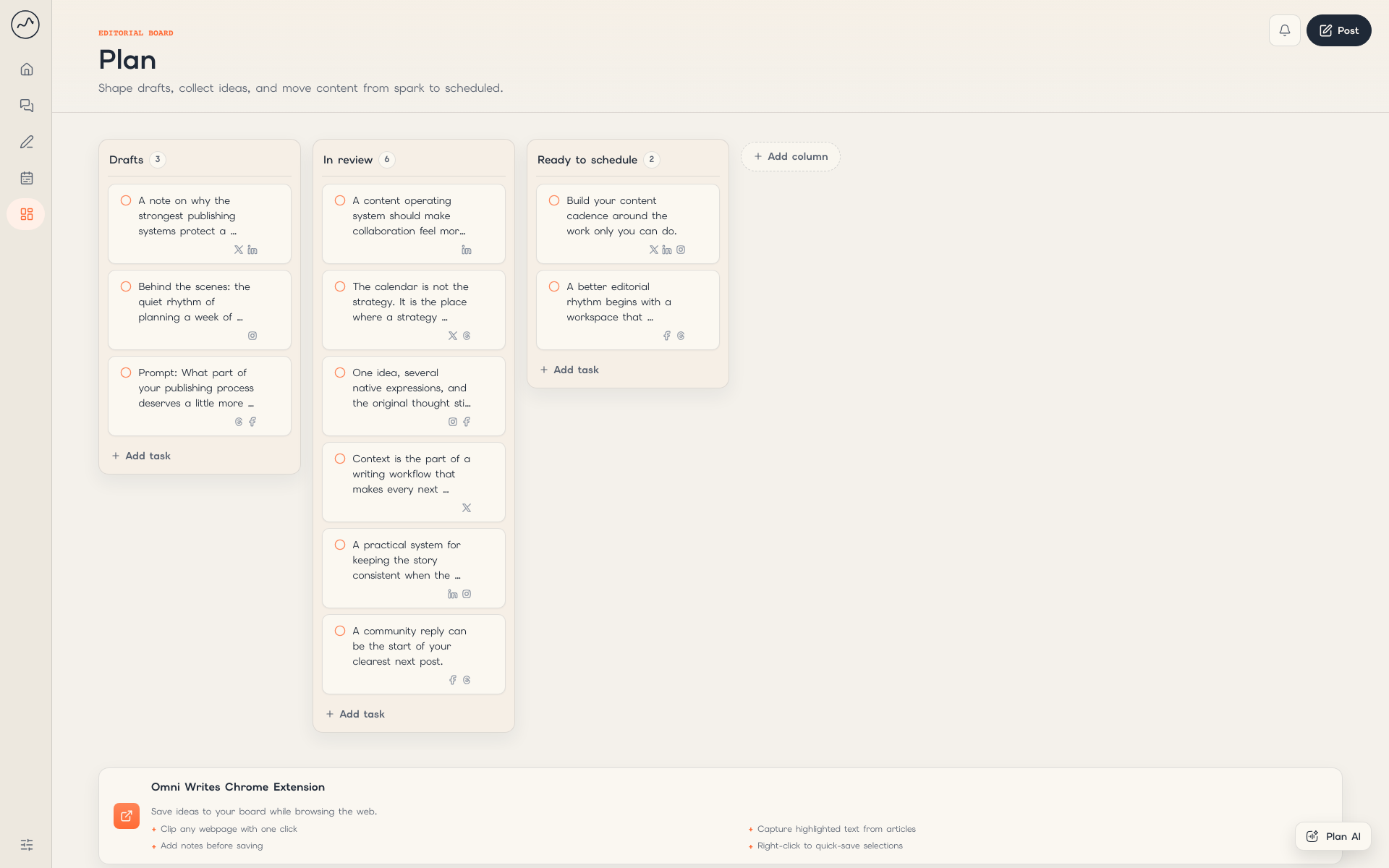
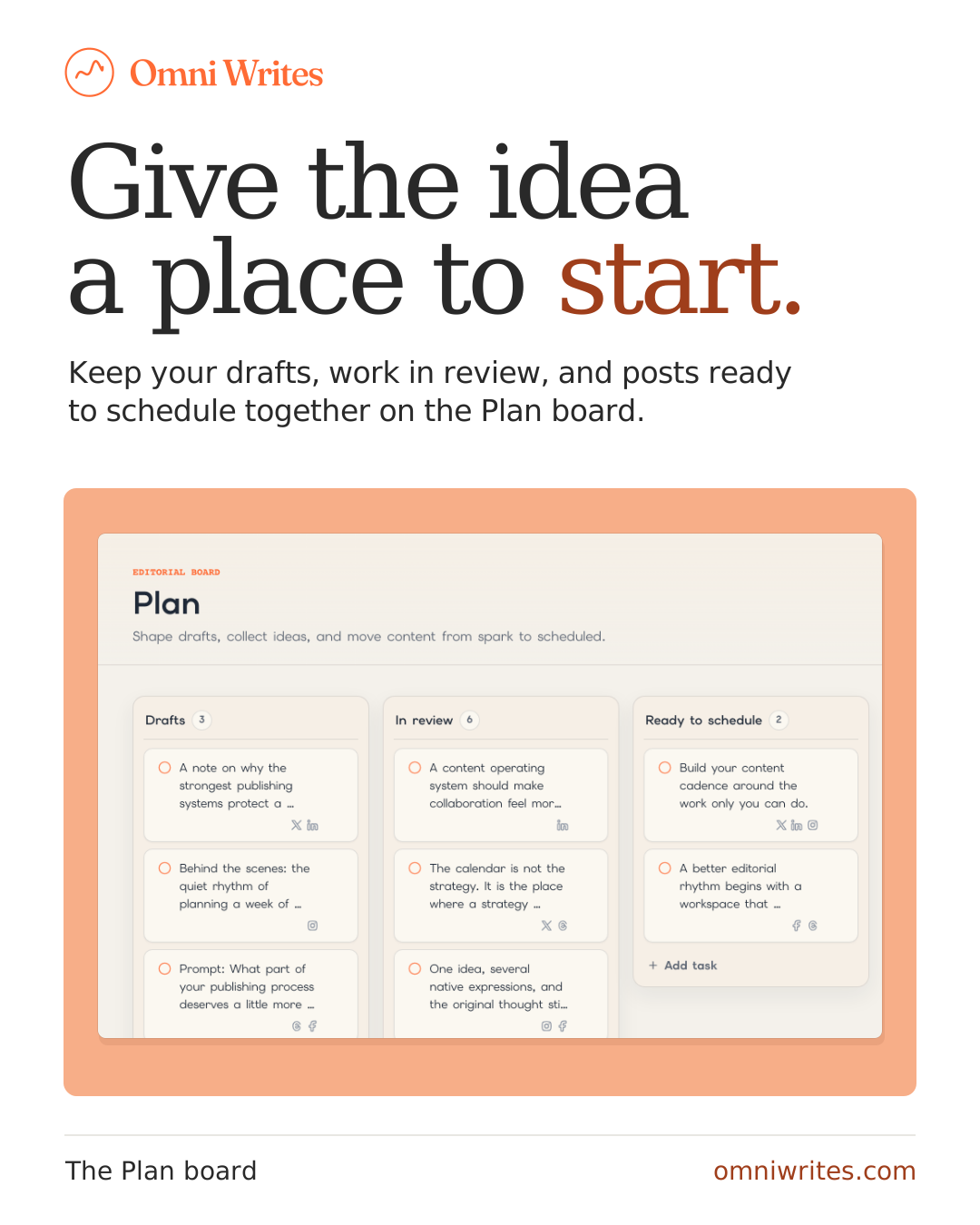
Plan an idea
The board keeps a rough note with the other posts in progress.
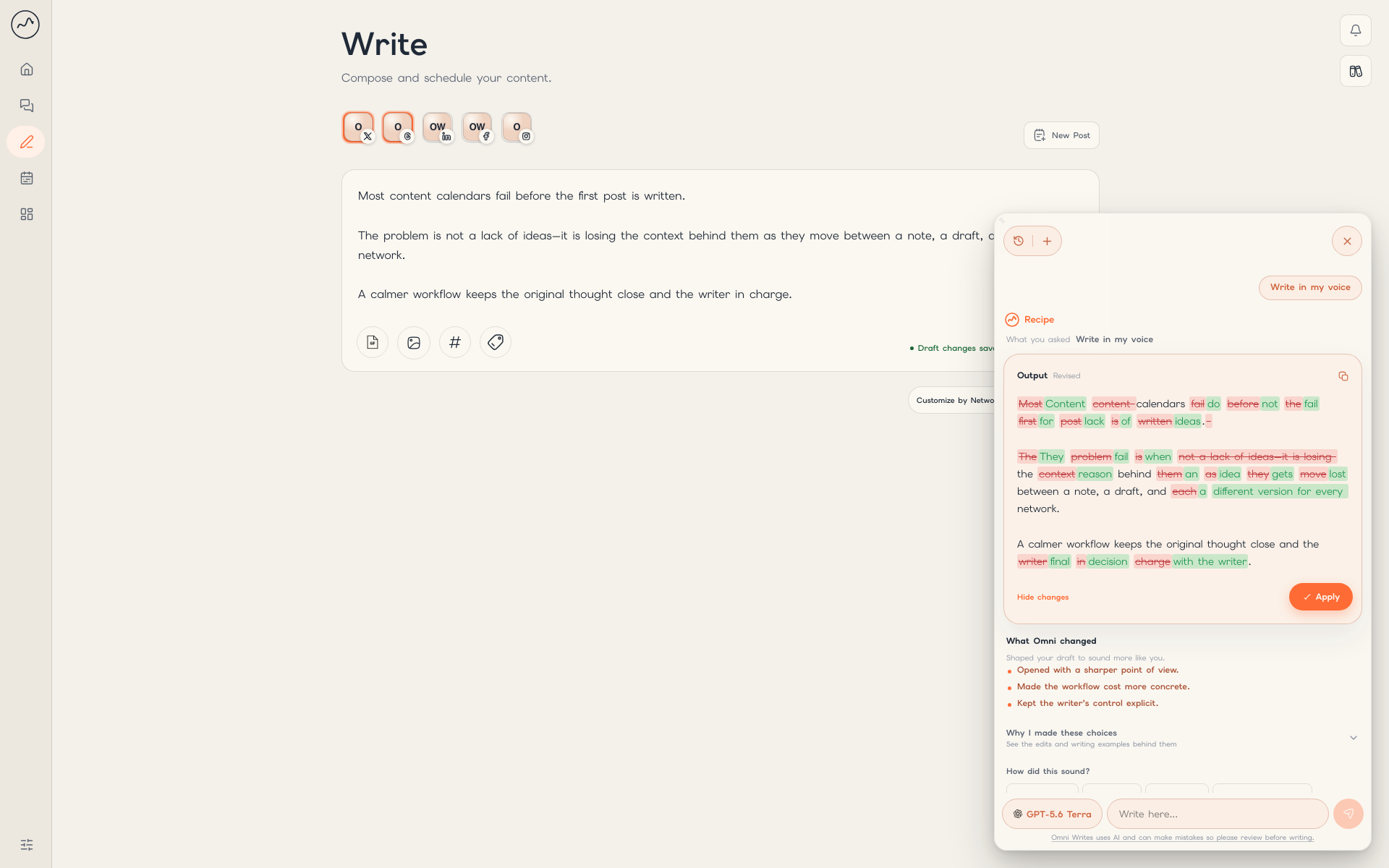
Plan board PNGReview a draft
The writer can inspect suggested wording before applying it.
Write in My Voice PNG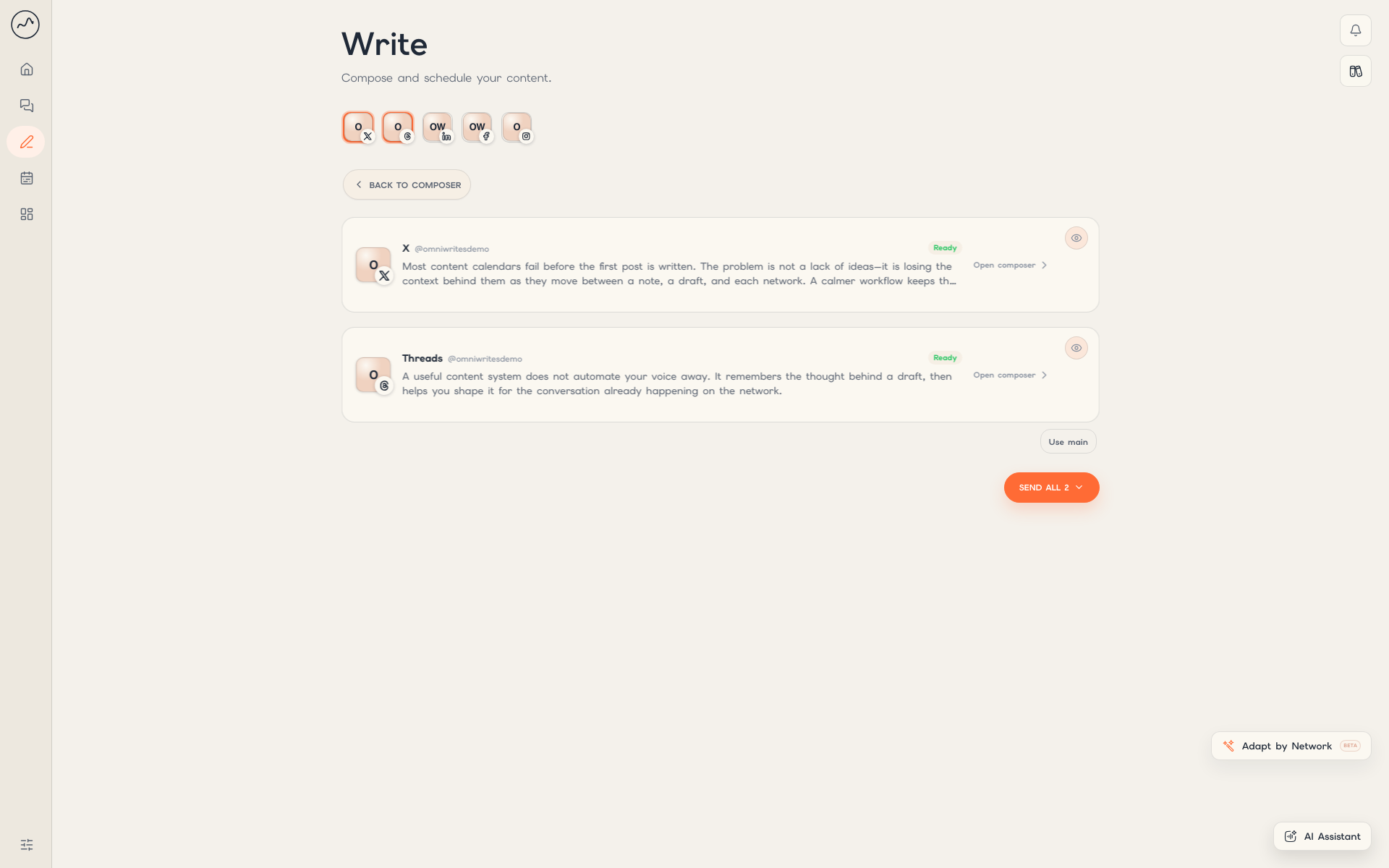
Adapt a post
Each network version can be edited before publication.
Network versions PNGEditable social artwork
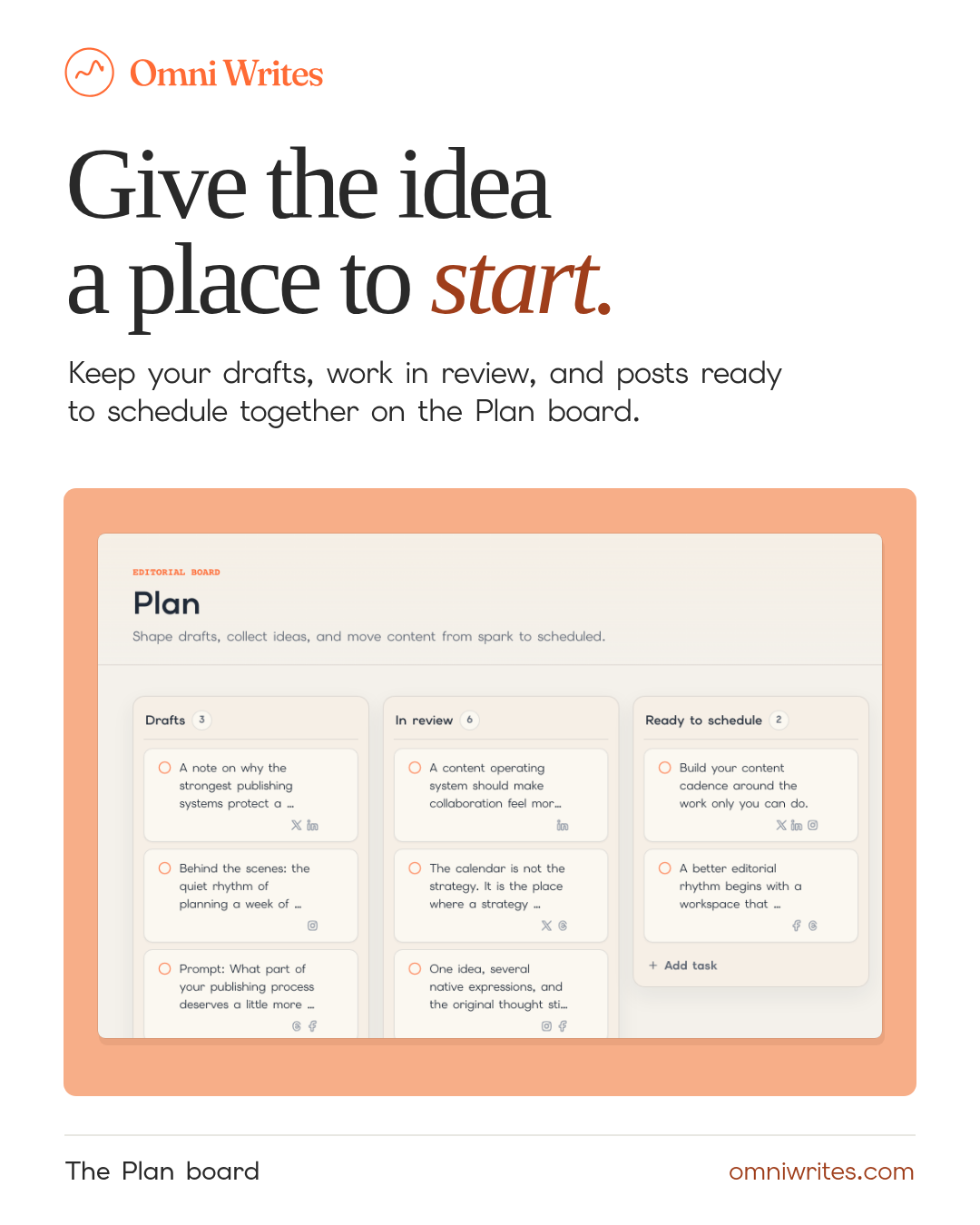
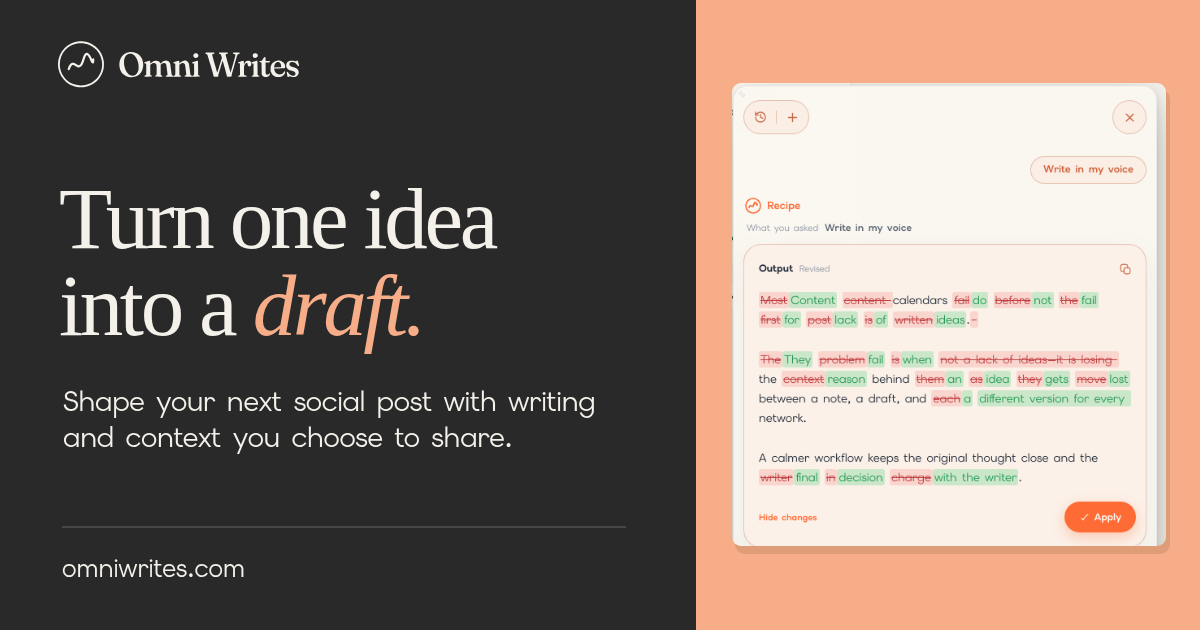
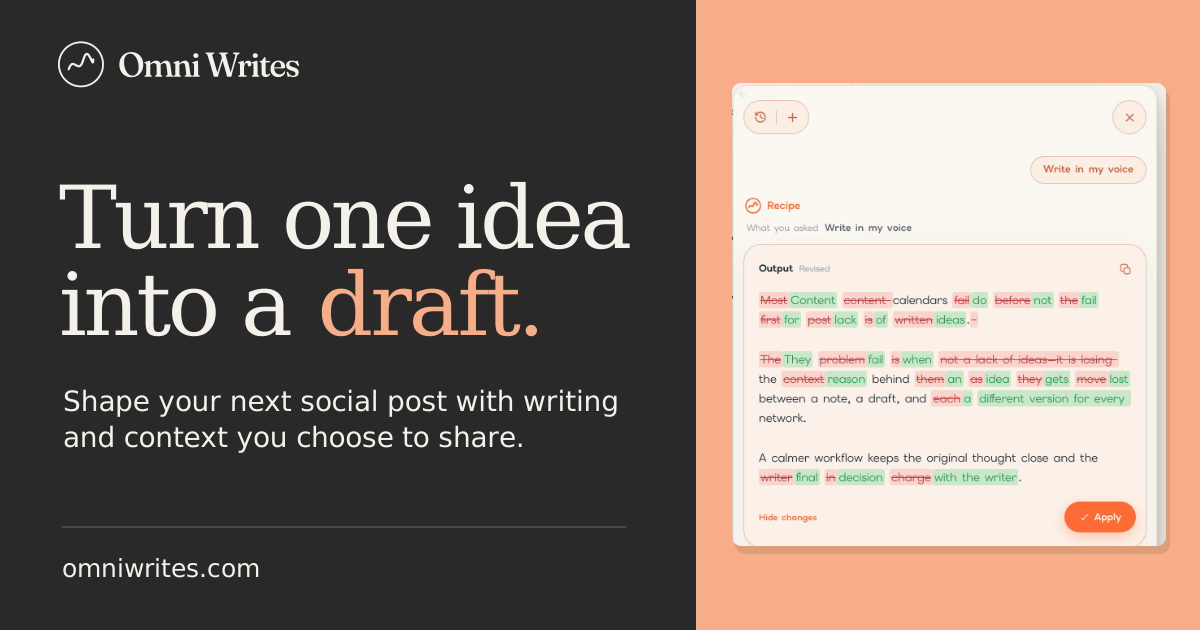
For editorial illustrations, start with a familiar writing object and one visible action. Keep type and logos editable. For a new illustration or character asset, send the team the intended placement.
Video
Transcript TXTThese 15-second, silent walkthroughs follow an idea from the planning board to an edit the writer reviews. On-screen captions tell the story in either format.
Landscape
1920 × 1080 · websites and presentations
Download landscape MP4Vertical
1080 × 1920 · stories and short-form video
Download vertical MP4About Omni Writes
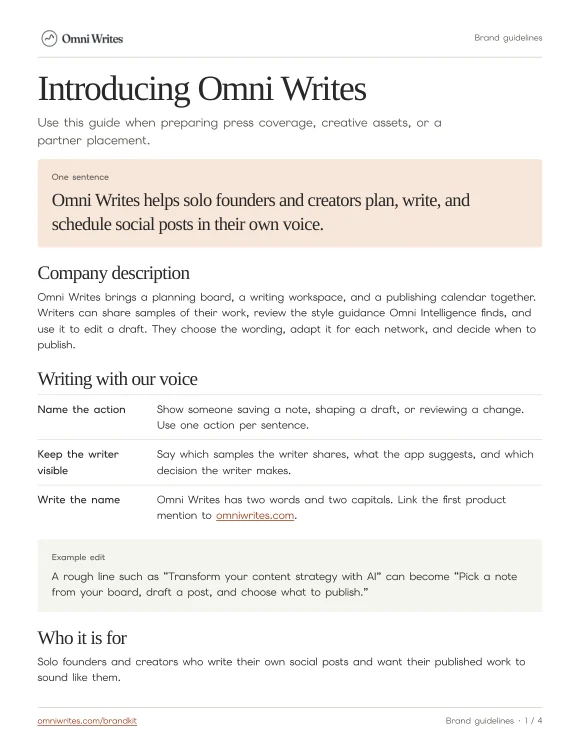
Use the short introduction in a newsletter, event listing, or slide. The longer version fits press coverage and show notes.
One-sentence introduction
Omni Writes helps solo founders and creators plan, write, and schedule social posts in their own voice.
Company description
Omni Writes brings a planning board, a writing workspace, and a publishing calendar together. Writers can share samples of their work, review the style guidance Omni Intelligence finds, and use it to edit a draft. They choose the wording, adapt it for each network, and decide when to publish.
Brand name
Write Omni Writes as two words, with a capital O and W.
Product link
Link the first product mention to omniwrites.com.
Writing voice
Sound like an editor sitting beside a writer. Name one familiar task and show the choice the writer makes.
Rough copy
“Transform your content strategy with AI.”
In Omni Writes’ voice
“Pick a note from your board, draft a post, and choose what to publish.”
Use sentence case. Choose everyday verbs such as save, draft, review, and schedule. When describing Omni Intelligence, say which writing samples the writer shares and what they can review.
Company and partner copy TXTSponsorships
One-page brief PDFChoose the assets for your placement. For a new proposal, send your audience, channel, deliverables, publication date, and intended usage to the partnerships contact below.
- Newsletter or article
- Use the one-sentence introduction, a full logo, and a link to the product. Add one original screenshot when you describe a workflow.
- Podcast or video
- For a confirmed paid placement, identify the sponsor in the segment. Use the sample read below or build a demo with the captioned video.
- Co-branded event
- Give both logos comparable visual weight. Preserve each brand’s artwork, keep space between them, and use the relationship wording agreed for the event.
Host read for a confirmed sponsorship
This segment is sponsored by Omni Writes. If you have a post sitting in your notes, you can bring it into Omni Writes, shape the draft using your own writing samples, and schedule it when it sounds like you. Find Omni Writes at omniwrites.com.